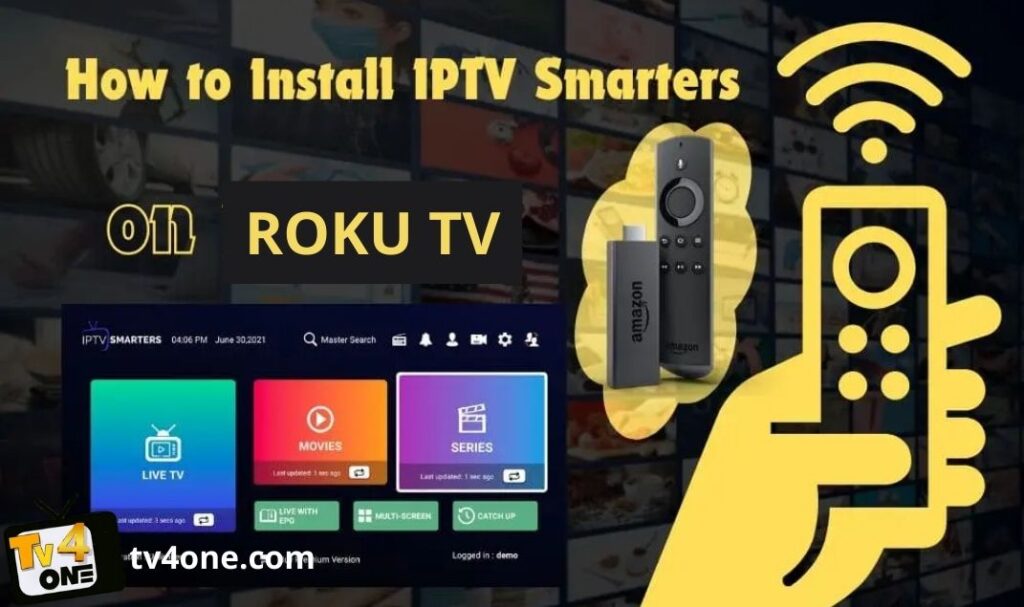
Roku devices are among the most popular streaming platforms, but IPTV Smarters Pro is not directly available in the Roku Channel Store. However, you can still use IPTV Smarters Pro on Roku TV by using screen mirroring or casting from your smartphone.
In this guide, we will show you step-by-step methods to install and use IPTV Smarters Pro on Roku TV.
Requirements
Before you start, make sure you have:
- A Roku device connected to your TV
- A stable internet connection
- An Android or iPhone device
- An active IPTV subscription
- IPTV Smarters Pro installed on your mobile device
Enable Screen Mirroring on Roku
- Turn on your Roku device.
- Go to Settings.
- Select System.
- Choose Screen Mirroring.
- Set Screen Mirroring Mode to Prompt or Always Allow.
Install IPTV Smarters Pro on Android
- Open Google Play Store.
- Search for IPTV Smarters Pro.
- Tap Install.
- Open the app after installation.
- Enter your IPTV login details (Xtream Codes or M3U).
Mirror IPTV Smarters to Roku (Android)
- Connect your Android device and Roku to the same Wi-Fi network.
- Open Settings on your Android device.
- Select Cast or Screen Cast.
- Choose your Roku device.
- Open IPTV Smarters Pro and start streaming.
Use IPTV Smarters on iPhone (AirPlay)
- Connect your iPhone and Roku to the same Wi-Fi network.
- Enable AirPlay on Roku (if supported).
- Open IPTV Smarters on your iPhone.
- Open Control Center.
- Tap Screen Mirroring.
- Select your Roku device.
Alternative IPTV Apps for Roku
If you prefer native apps, you can try:
- IPTV Smarters via casting
- Web Video Cast
- Screen Mirror apps from Roku Channel Store
Best IPTV Service for Roku
If you are looking for a reliable IPTV service, TV4ONE offers:
- 33,000+ Live Channels
- 150,000+ Movies & Series (VOD)
- HD, Full HD, and 4K quality
- No buffering and stable servers
- Instant activation
- 24/7 customer support
Pricing Plans
- 1 Month – $9.99
- 3 Months – $19.99
- 6 Months – $29.99
- 12 Months + 3 Months for Free – $49.99
Free Trial Available
How to Get Started
- Visit the TV4ONE website.
- Choose your subscription plan.
- Complete the payment.
- Receive your IPTV credentials instantly.
- Log in using IPTV Smarters Pro.
Conclusion
Although IPTV Smarters Pro is not officially available on Roku, you can easily use it through screen mirroring or AirPlay. With a reliable IPTV provider like TV4ONE, you can enjoy thousands of channels and on-demand content on your Roku device without interruptions.
Copyright © Tv4one 2026 all rights reserved